$99 /month
3,000 phone leads / month
- USA Pool filter
- ZIP, city, county & state
- Available demographics
- CSV downloads
- No long-term contract
Find pool-owner prospects in the areas your business serves. Use the Pool filter in our USA consumer database, select your ZIP codes, city, county, or state, and download a targeted phone list. Plans start at $99/month for 3,000 phone leads.
Start with the USA consumer database and combine the Pool filter with the locations you want to reach.
Set your filters and review the matching count in the portal. Availability depends on your territory and criteria. New Jersey lists are unavailable.
Pool targeting is available through our regular phone-lead portal plans. Choose a download allowance for your campaign, then use the available filters to build your list.
Plans renew monthly. Unused leads roll over while your subscription stays active. These are phone-lead allowances, not guaranteed pool-owner counts in a particular area. You can use your allowance for other eligible portal searches too. See all portal plans →
Start with the places you can service, then add the Pool filter. Review the count before deciding how many records to download.
Select USA consumer records in the portal. Enter the ZIP codes, cities, counties, or state that make up your service territory.
Select records flagged for a pool. Add homeowner status, income, home value, or available phone-type filters when they help define your audience.
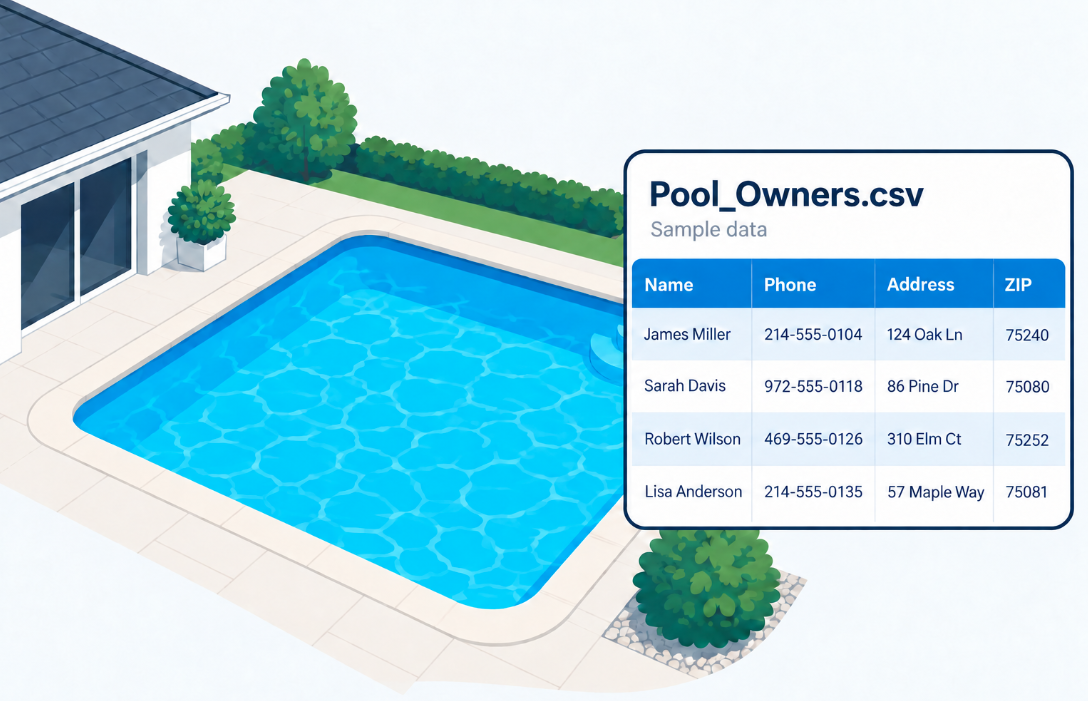
Review matching availability, select your quantity, and download a CSV. Use your CRM or dialer’s import tools to map the contact fields.
A cleaning or repair company could start with three ZIP codes it already serves. Apply Pool and homeowner targeting, then check whether the resulting audience fits the next campaign.
This is an example of targeting criteria, not a live count or saved search. Our ZIP-code phone checker shows general phone counts; apply the Pool filter in the portal for pool-specific availability.
A pool owner list is a consumer prospect list selected using a property-related pool indicator. It gives a pool-service business a more relevant starting audience than a general local phone list.
These are compiled contact records. They do not identify people who have requested a quote, need repairs, or want to change pool-service providers. Use the list to define your prospect audience, then learn about each person’s needs through permitted outreach.
Match your message to the work you offer and the territory your team can cover.
Introduce recurring cleaning and maintenance services to pool-owner prospects in the ZIP codes your technicians serve.
Build awareness of your pump, filter, heater, and equipment services with a pool-focused audience. The data does not indicate a specific repair need.
Introduce your remodeling or resurfacing services to a relevant local market. Confirm the pool’s condition and project interest with the prospect.
Field coverage varies by record. View the published portal filters and CSV headers →
The portal lists Pool as a USA consumer search filter. A filter used to select records is not necessarily a column in your downloaded file; check the published CSV headers for the fields you receive.
This list does not establish pool dimensions, construction type, equipment brand, pool condition, or the owner’s current service company.
Planning a repeat campaign? The portal tracks previous downloads and excludes previously downloaded records from later selections. Keep your call and follow-up history in your CRM.
Call (888) 714-2844 for help choosing the right portal filters.
Choose your territory, add the Pool filter, and review your matching prospects in the portal.
Questions? (888) 714-2844 · Monday–Friday, 8:30–5:30 CT


© 2026 Electronic Voice Services, Inc. | All rights reserved
NOTICE: Electronic Voice Services, Inc. (TelephoneLists.biz) is a data broker registered with the Texas Secretary of State and in other applicable states.